
Screenshots


App details
- Updated
- Jul 11, 2022
- Language
- English
- Developer
- NCH Software
- Category
- Mobile
SoftPas in:
This product is also available in the following languages:
About MixPad Professional
Download MixPad Professional – audio mixer, music production, podcast editing, sound editing, audio editing tool, professional audio software
Overview
MixPad Professional is a robust audio editing and mixing application designed for users seeking high-quality sound manipulation on mobile devices. Tailored for both beginners and experienced audio creators, it serves as a comprehensive tool for music production, podcast editing, and general sound editing. The app enables users to record, edit, mix, and export audio with precision, addressing common challenges such as noise interference, track alignment, and format compatibility. Its target audience includes independent musicians, podcasters, content creators, and audio enthusiasts who require professional-grade functionality without the need for desktop software. Developed by NCH Software, a recognized name in audio utility tools, MixPad Professional builds on a legacy of reliable, user-focused software solutions. Real-world applications include post-production for podcasts, layering musical elements, and cleaning up field recordings. In the mobile app ecosystem, it stands out as a rare example of a full-featured audio workstation available on Android, bridging the gap between mobile convenience and desktop-level capabilities. The app’s free pricing model further enhances its accessibility, making it a compelling choice for users exploring audio creation on smartphones or tablets.
Key Features & Functionality
- Comprehensive Editing Tools: MixPad Professional includes essential audio editing functions such as noise reduction, track cutting, and precise section adjustments. These tools allow users to clean up recordings, remove unwanted segments, and enhance audio clarity with minimal effort. For example, a podcaster can eliminate background hums or pauses in interviews, ensuring a polished final product.
- Unlimited Track Mixing: The app supports an unlimited number of audio tracks, enabling complex layering of vocals, instruments, and effects. This feature is ideal for musicians composing multi-instrumental pieces or sound designers building immersive audio environments without track limitations.
- Built-in MIDI Composer: With a MIDI composer, users can create original melodies and harmonies directly within the app. This feature empowers musicians to compose music without external tools, making it easier to integrate custom compositions into audio projects.
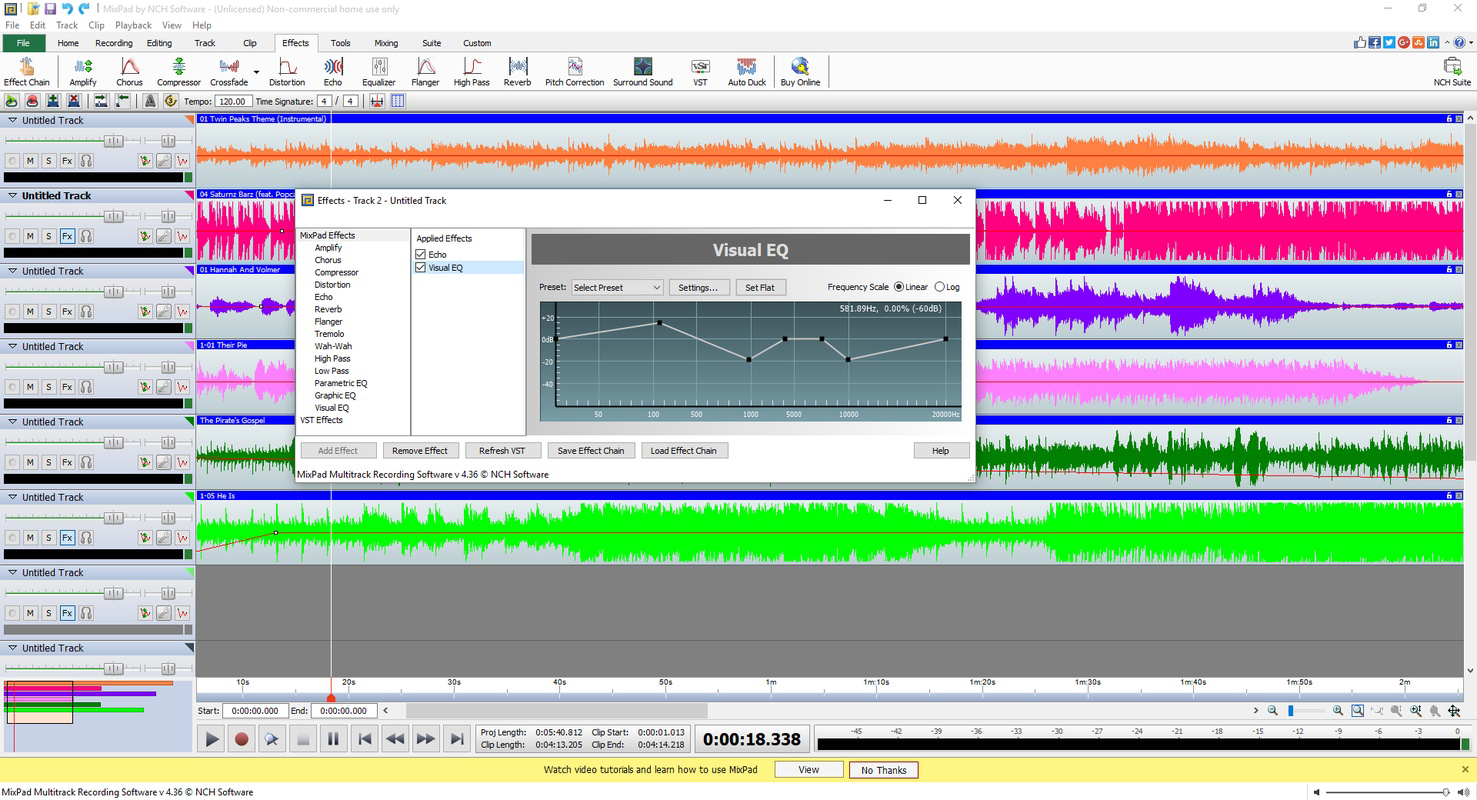
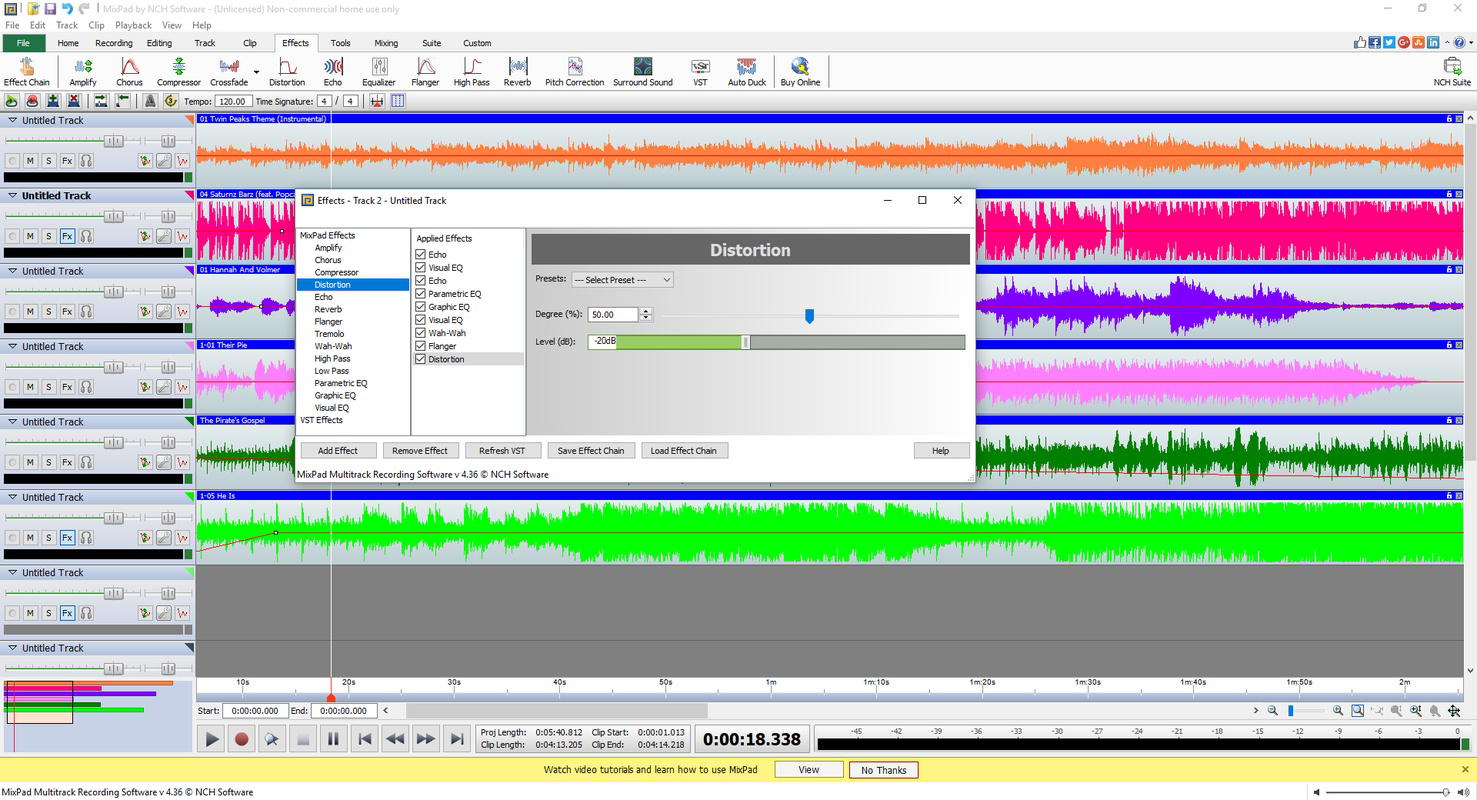
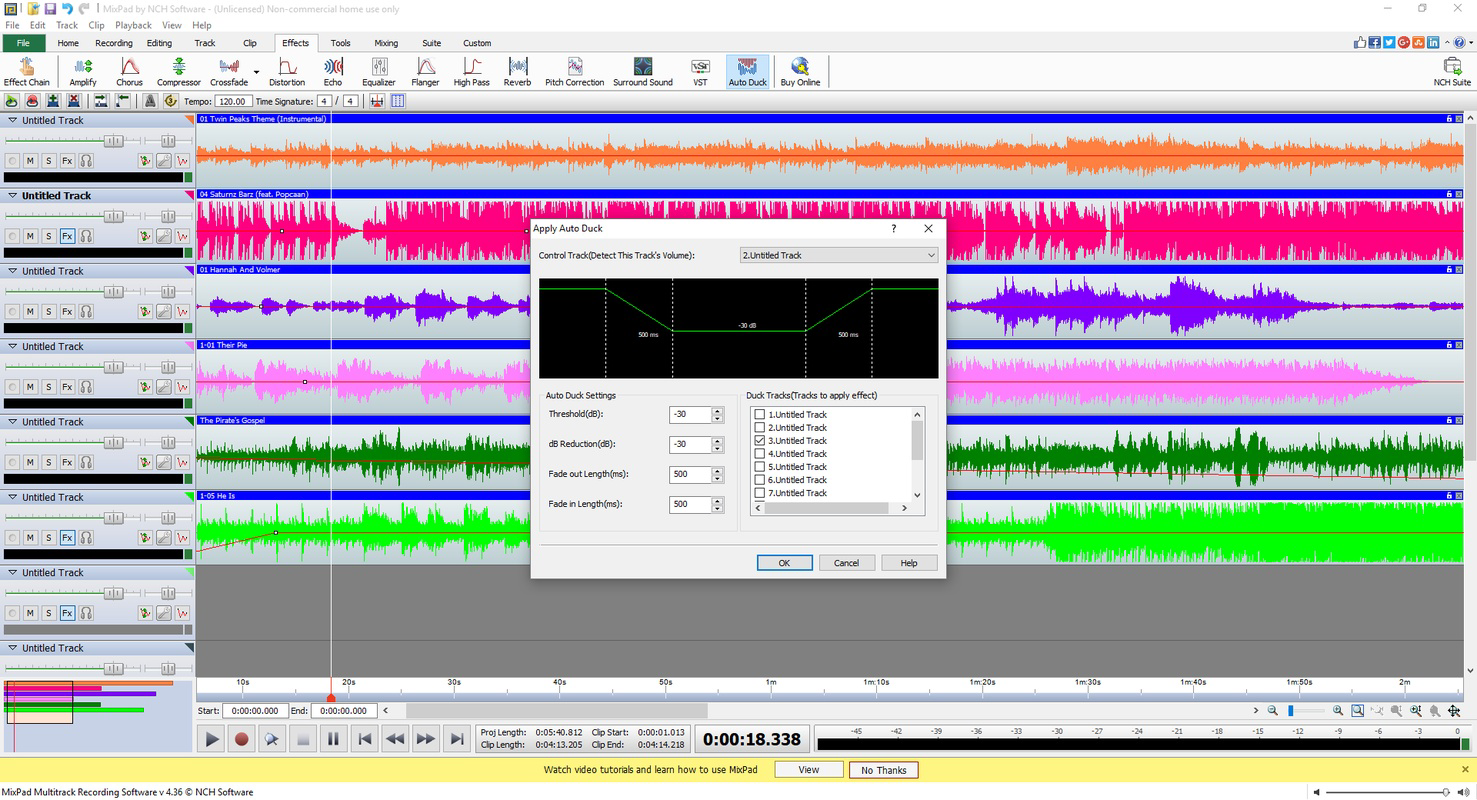
- Various Audio Effects: A selection of built-in effects—such as reverb, delay, and equalization—allows users to shape the tonal character of their audio. These effects can be applied in real time, giving creators immediate feedback and creative control over their sound.
- Flexible Export Options: Projects can be exported in multiple audio formats, ensuring compatibility across platforms. Whether sharing a podcast on YouTube, distributing music on streaming services, or burning a CD, the app provides versatile output choices to suit different distribution needs.
Interface, UX & Performance
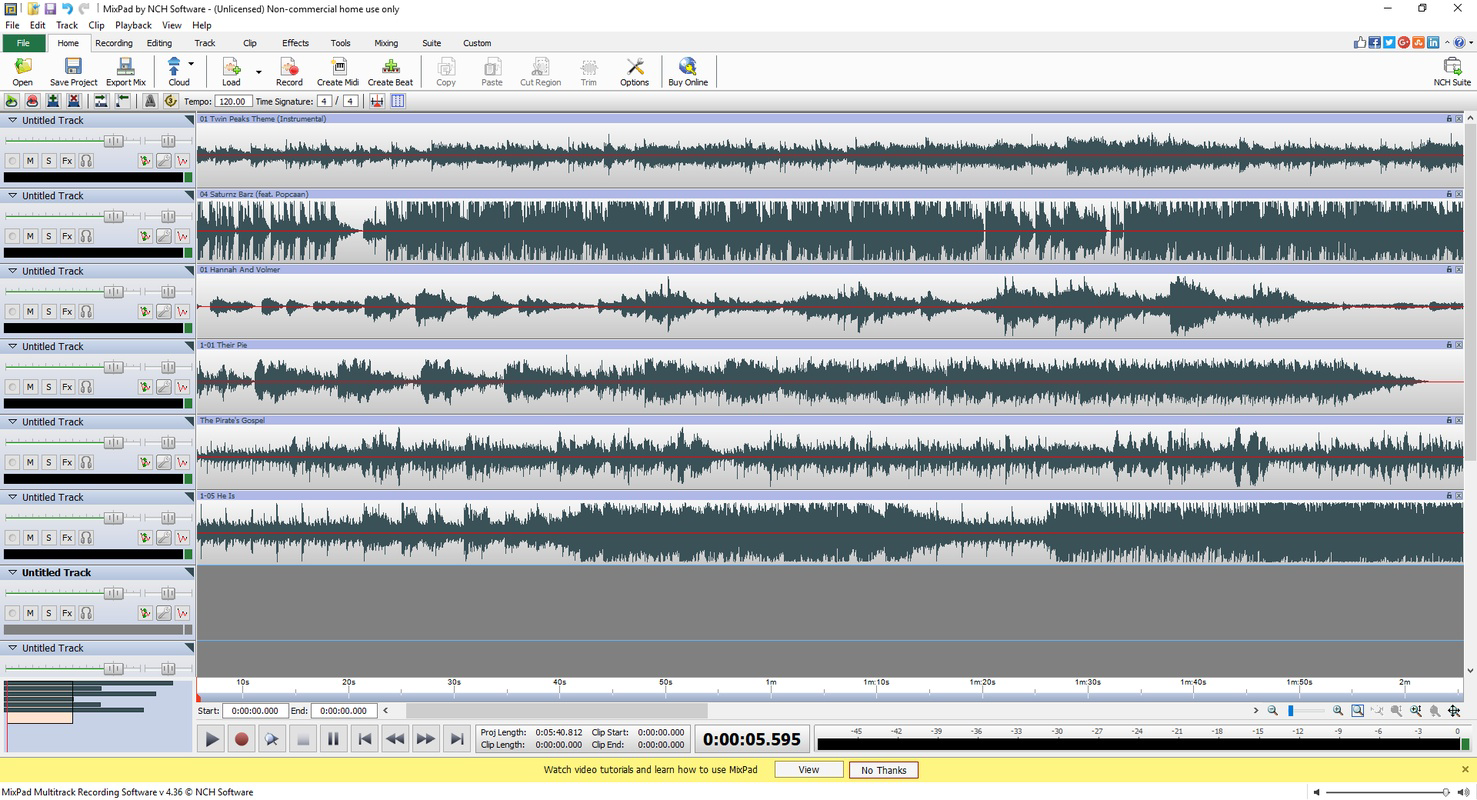
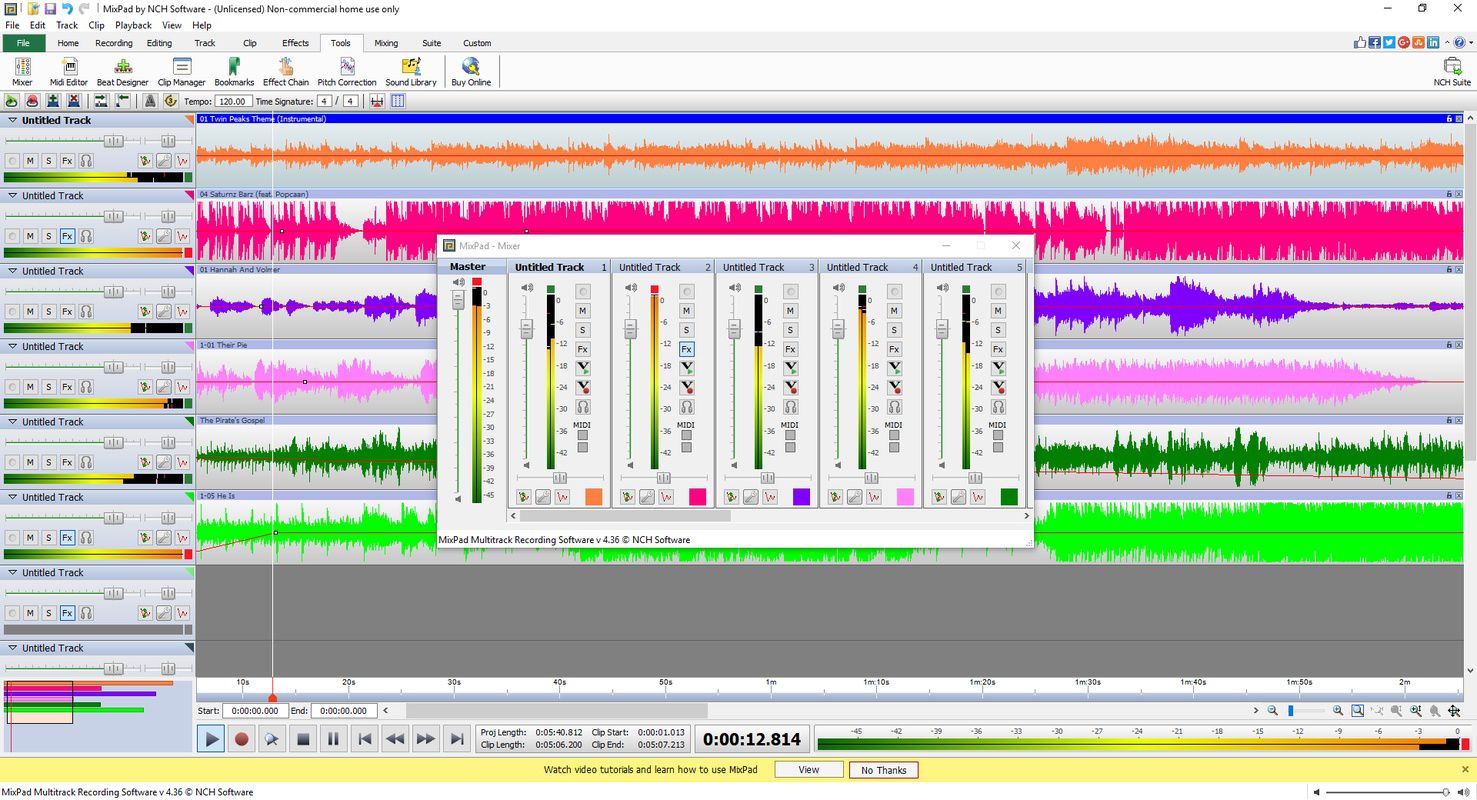
The user interface of MixPad Professional is designed with functionality in mind, offering a clean layout that organizes key tools within intuitive access points. Audio tracks are displayed in a timeline format, allowing users to visually manage and edit content with precision. Navigation is straightforward, with clearly labeled buttons and a logical workflow that supports both touch and gesture-based interactions. The app maintains responsive performance across various Android devices, though specific performance benchmarks were not provided by the developer. Stability during long editing sessions appears reliable, with no reported issues related to crashes or data loss. The interface adapts well to different screen sizes, making it usable on both smartphones and tablets. While the developer did not list formal performance metrics, the app’s smooth operation during track mixing and real-time effect application suggests efficient resource management. Users can expect consistent responsiveness when handling multiple audio layers, though performance may vary slightly depending on device hardware. Overall, the UX prioritizes accessibility without sacrificing professional capabilities, making it approachable for newcomers while still offering depth for advanced users.
Platform Compatibility & Technical Requirements
MixPad Professional is available exclusively on the Android platform, supporting the latest versions of the operating system. The app has a file size of 28.6 MB, making it a lightweight download suitable for devices with limited storage. The current version is 6.48, released on July 11, 2022. Specific minimum OS requirements were not listed by the developer, so users are advised to ensure their device runs a recent Android version for optimal performance. Compatibility with older devices or low-end hardware was not disclosed. The app does not require root access or special permissions beyond standard audio recording and storage access. Installation is straightforward through official Android app stores. Although the developer did not specify exact device requirements, the compact size and efficient design suggest broad compatibility across mid-range and high-end Android smartphones and tablets.
Pros and Cons
Pros
- Free to download and use, offering professional features at no cost.
- Supports unlimited audio tracks, enabling complex audio projects.
- Includes a built-in MIDI composer for music creation and composition.
- Offers a wide range of audio effects for sound personalization.
- Multiple export formats ensure compatibility across platforms.
- Lightweight file size (28.6 MB) reduces storage burden.
Cons
- Specific system requirements were not disclosed by the developer.
- No information on update frequency or future development roadmap.
- Limited to Android; no iOS or desktop version available.
- Developer did not provide performance benchmarks or device compatibility details.
- Interface may feel less polished compared to premium desktop alternatives.
FAQ
Is MixPad Professional safe to download and install?
Yes, the app is developed by NCH Software, a reputable provider of audio tools. It is available through official Android app channels and does not require root access or unusual permissions.
Can I use MixPad Professional for podcast editing?
Yes, the app includes tools like noise reduction, track cutting, and multiple export formats—essential features for professional podcast editing and post-production.
Does MixPad Professional support MIDI input from external devices?
While the app includes a built-in MIDI composer, the developer did not specify whether it supports external MIDI controllers or hardware input.
Is there a version of MixPad Professional for iOS?
No, the app is currently available only on Android. There is no official iOS version listed by the developer.
How often is MixPad Professional updated?
The last update was released on July 11, 2022. The developer has not disclosed a regular update schedule or future release plans.
Final Thoughts
MixPad Professional delivers a powerful audio editing experience on mobile, combining professional features with a free price point. It is ideal for musicians, podcasters, and content creators who need a reliable, feature-rich audio tool without the complexity of desktop software. The unlimited track mixing, built-in MIDI composer, and flexible export options make it a versatile solution for creative projects. While it lacks detailed technical documentation and is limited to Android, its functionality and accessibility make it a standout choice in the productivity category. For anyone seeking a capable audio mixer on their smartphone or tablet, MixPad Professional offers real value. Download MixPad Professional now.
Guides & Tutorials
How to install MixPad Professional
- Click the Download button above.
- Once redirected, accept the terms and click Install.
- Wait for the MixPad Professional download to finish on your device.
How to use MixPad Professional
This software is primarily used for its core features described above. Open the app after installation to explore its capabilities.
User Reviews
No reviews yet. Be the first to share your experience.
You may also like
more
Que no te pillen¡
About !Que no te pillen¡Reviewed by Jason A. BilbreyShow MoreShow Less

3D Combat Zone
About 3D Combat ZoneOriginally released in 1983, 3D Combat Zone immerses players...

666: El día del portal
About 666: El día del portalOn June 6, 2006, Agent P. Stone uncovers a sinister...

80 in 1 Best Flash games
About 80 in 1 Best Flash games 80 in 1 Best Flash games is a collection of 80 fl...

ABYSS SEEKERーーWhat Do You See Deep in The Abyss
About ABYSS SEEKERーーWhat Do You See Deep in The AbyssIn ABYSS SEEKER, players...

ACA NEOGEO THE KING OF FIGHTERS 2002 for Windows
About ACA NEOGEO THE KING OF FIGHTERS 2002 for WindowsTHE KING OF FIGHTERS 2002,...